Connectivity Overview
Connect Mative Cloud Fleet Management to external hardware — telematics modems, GPS devices, IoT sensors, and third-party data providers.
The Connectivity section manages the integration of physical hardware and external data providers. This includes telematics modems installed in vehicles, GPS and IoT devices, environmental sensors, and the raw data events they produce.
What's in Connectivity
| Section | Purpose |
|---|---|
| Telematics | Telematics modems — hardware devices that send GPS, OBD-II, and sensor data from vehicles |
| Devices | GPS trackers, OBD-II scanners, cameras, and other connected devices |
| Sensors | Environmental sensors — temperature, humidity, door, pressure, motion |
| Events | Raw data events received from devices and telematics providers |
The Connectivity Architecture
Data flows from your telematics providers and connected hardware through the Mative Cloud Fleet Management Ingest API, which normalizes and routes it to the relevant subsystems:
Mative Synapsis IoT
        │
        │  Push telemetry data
        ▼
Mative Cloud Fleet Management — Ingest API
        │
        ├─► DeviceEvent    (raw data point stored for history)
        ├─► Position       (driver/vehicle location update → live map)
        ├─► Sensor reading (temperature, humidity, door state, etc.)
        └─► Live map update (broadcast in real time)
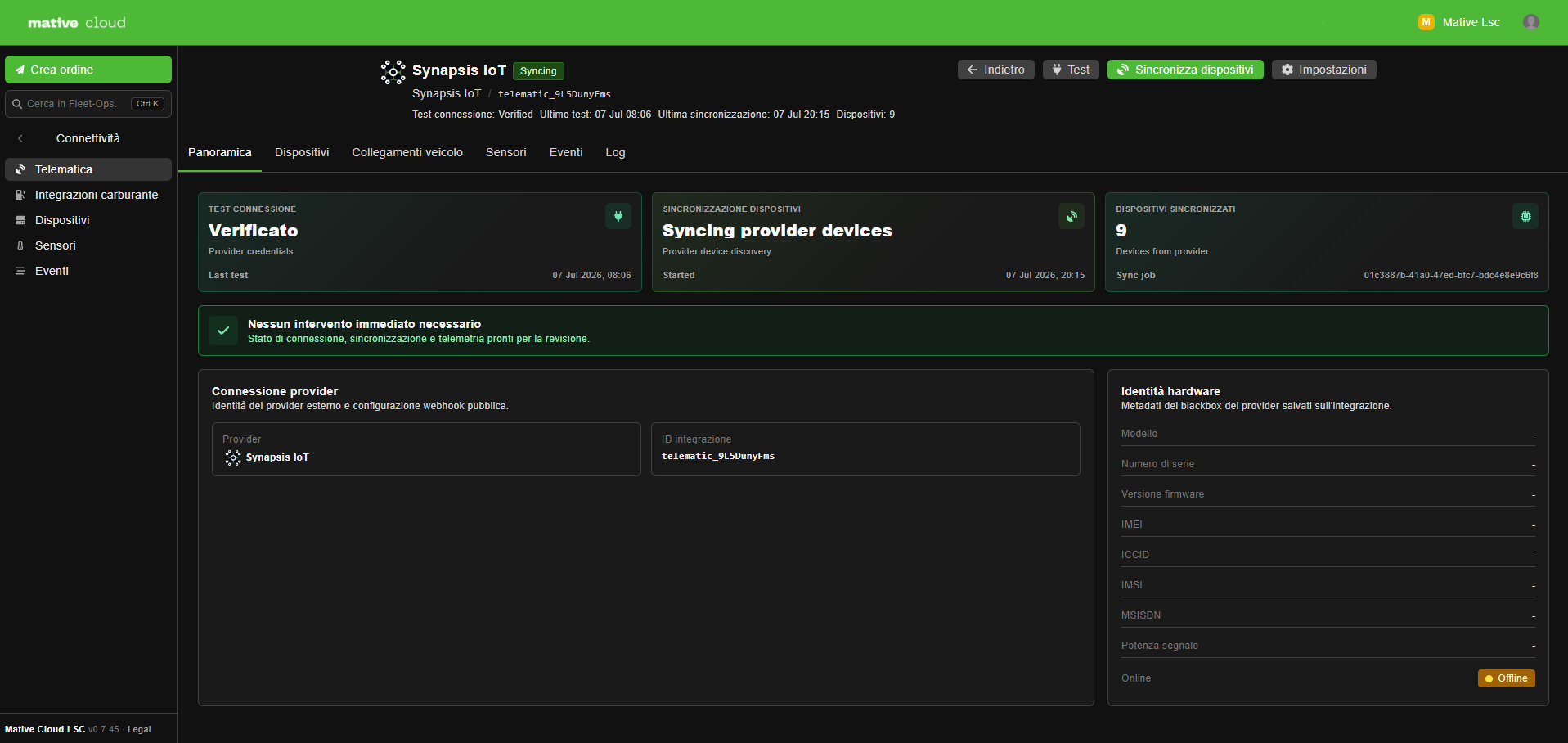
Supported Telematics Providers
Mative Cloud Fleet Management integrates natively with the following telematics platforms:
| Provider | Description |
|---|---|
| Flespi | Raw GPS and OBD-II data via MQTT and REST API |
| Geotab | Enterprise telematics with vehicle diagnostics |
| Samsara | Fleet operations platform with real-time GPS and video |
| Custom | Generic webhook/REST ingestion for any other provider |
For custom integrations, Mative Cloud Fleet Management exposes a generic ingest endpoint that accepts standard telemetry payloads via HTTP POST or MQTT publish.
How It Works in Practice
- A telematics modem is installed in the vehicle
- The device sends GPS coordinates, speed, and OBD-II data to the provider's cloud
- Mative Cloud Fleet Management connects to the provider using API credentials configured in the Connectivity settings
- The provider streams data; vehicle positions are stored and broadcast to the live map in real time
- Sensor readings are stored as
DeviceEventrecords; threshold violations surface as maintenance alerts
Benefits Over FM Mobile App Tracking
Mative Cloud Fleet Management supports two parallel tracking methods. For production fleets, both are typically used together — telematics for continuous vehicle data, and the FM Mobile app for driver workflow.
| Feature | Telematics Device | FM Mobile App |
|---|---|---|
| Works without driver phone | ✅ | ❌ |
| OBD-II diagnostics | ✅ | ❌ |
| Battery / power monitoring | ✅ | ❌ |
| Sensor data (temp, door, etc.) | ✅ | ❌ |
| Tamper detection | ✅ | ❌ |
| Driver workflow (POD, navigation) | ❌ | ✅ |
For most production fleets, both methods are used together — telematics for continuous hardware-level vehicle data, and the FM Mobile app for driver-side order management and proof of delivery.